File Concierge
Give your documents a sensible home
File Concierge helps you turn scattered documents into an organized folder structure. Use Apple Intelligence on your Mac to suggest categories and filing destinations, then refine the plan before anything moves. One-time purchase, no subscription.
Why File Concierge
Plan a structure that fits
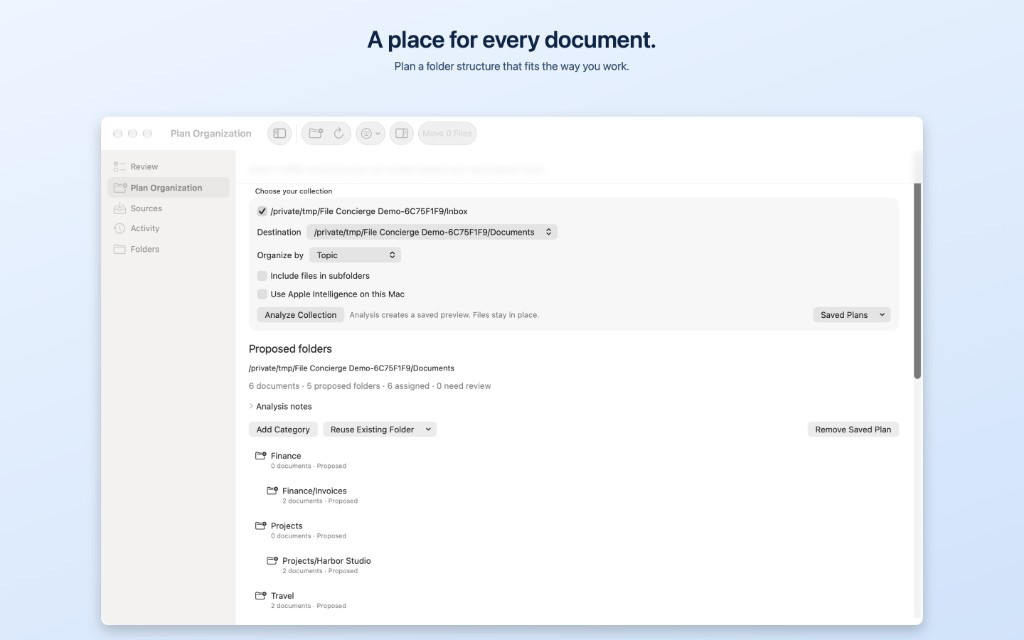
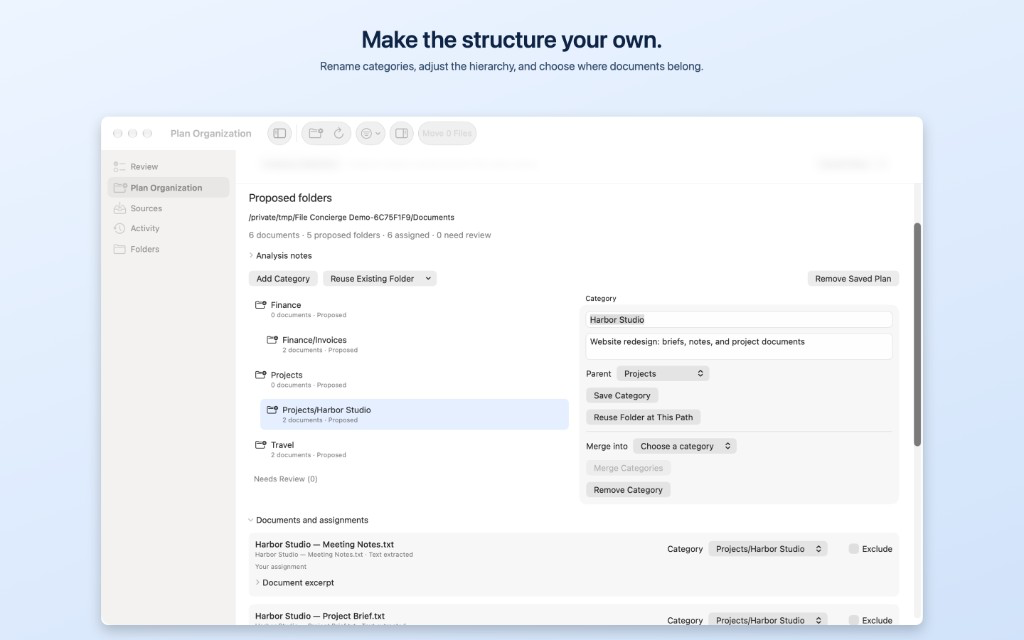
Organize by topic, client or project, or document type. Start with an empty destination or incorporate existing folders. Rename categories, adjust their hierarchy, merge them, and choose where each document belongs.
Review first. Move when ready.
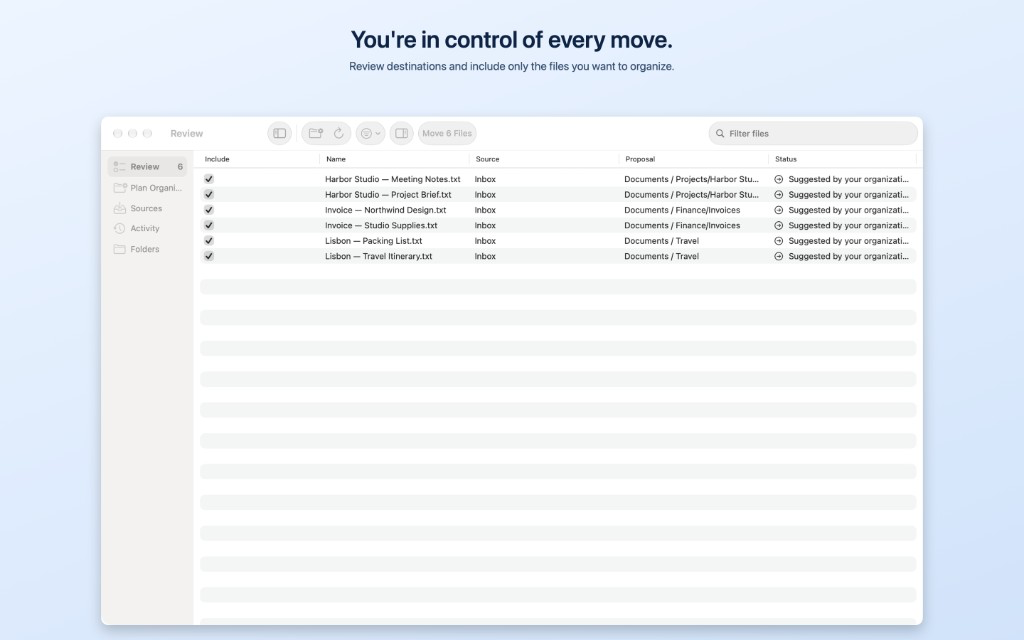
Analyzing your documents creates a proposal. You approve the folder structure before folders are created, then separately review and confirm document moves. Leave uncertain documents for later, change their destinations, or exclude them from the plan.
Private, on-device intelligence
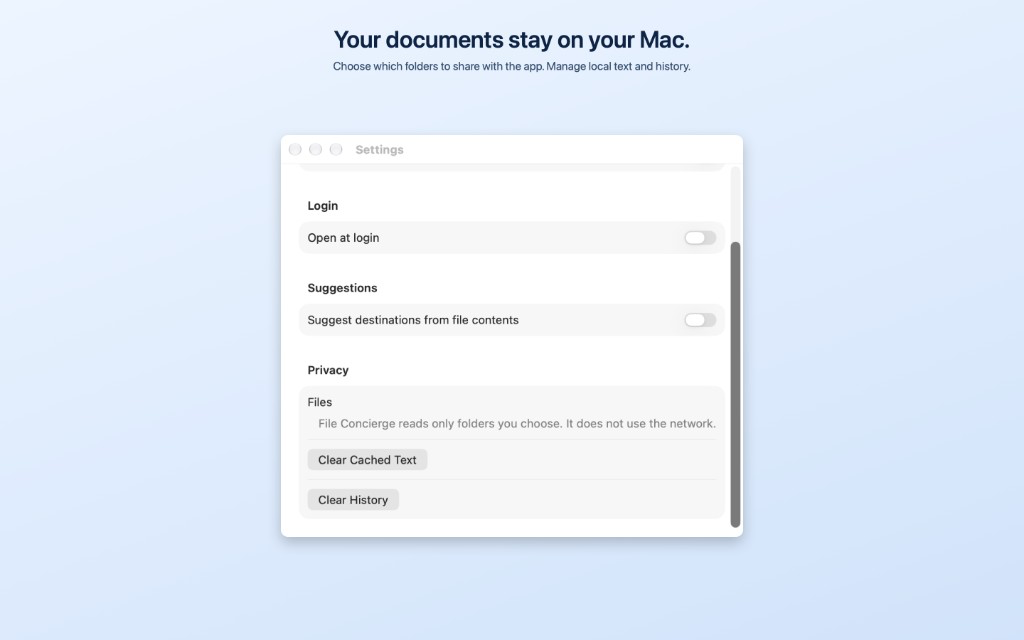
Document analysis and AI suggestions run locally on your Mac. File Concierge does not upload your documents to an AI service or use advertising trackers. It accesses only the folders you authorize.
Screenshots
Plan a folder structure, make it your own, review every move, and keep your documents on your Mac.
Suggest destinations from supported PDFs, text documents, images, and scans. Text extraction varies by format, size, and readability.
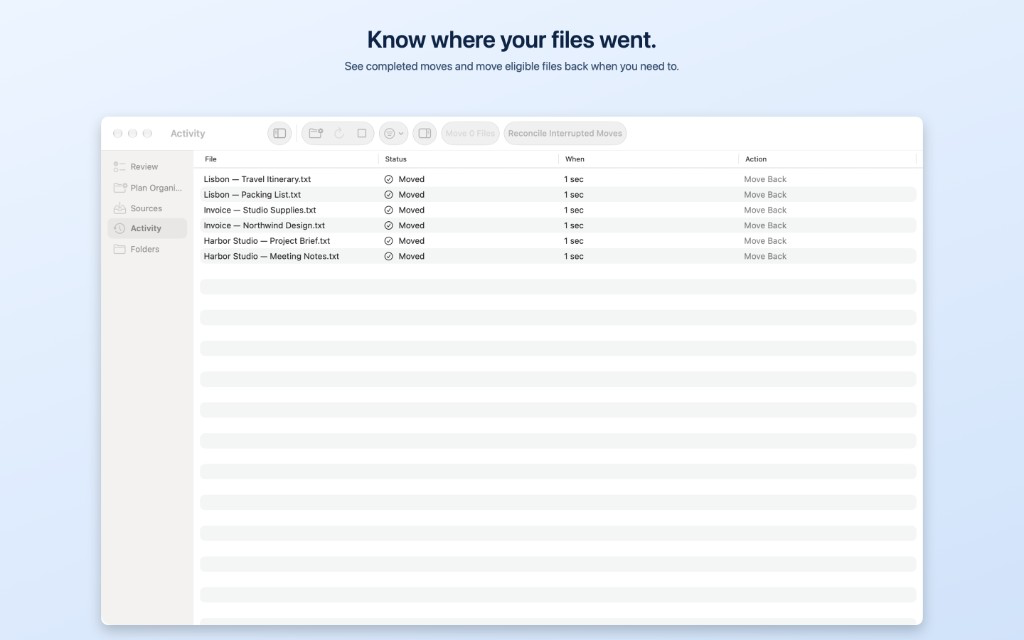
Review suggestions, save filing rules, and monitor chosen folders while the app runs. Snooze documents, preview with Quick Look, and track moves in Activity. Move eligible files back, resolve filename conflicts, and recover interrupted moves.
Each plan supports 200 documents, 12 categories, and two levels of new folders. Use separate plans for larger collections.
Requires Apple silicon and macOS 27 or later. AI suggestions require Apple Intelligence and an available on-device model for your language and region. Manual planning and rules work without AI. Review all suggestions before approving changes.