RunBuilder
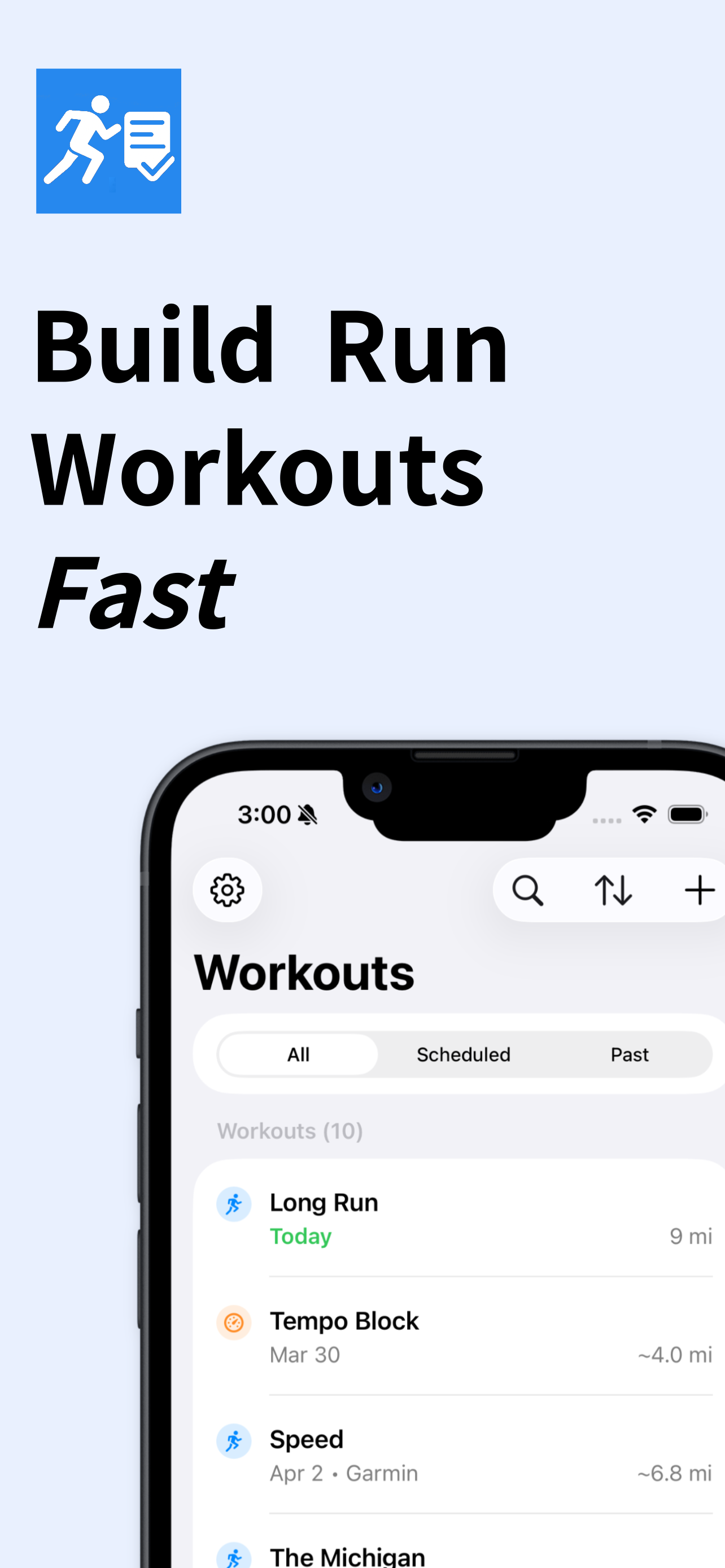
Create an outdoor run your way—dictate or type a workout, import one, or map a Course by dropping pins on the map.

RunBuilder in action
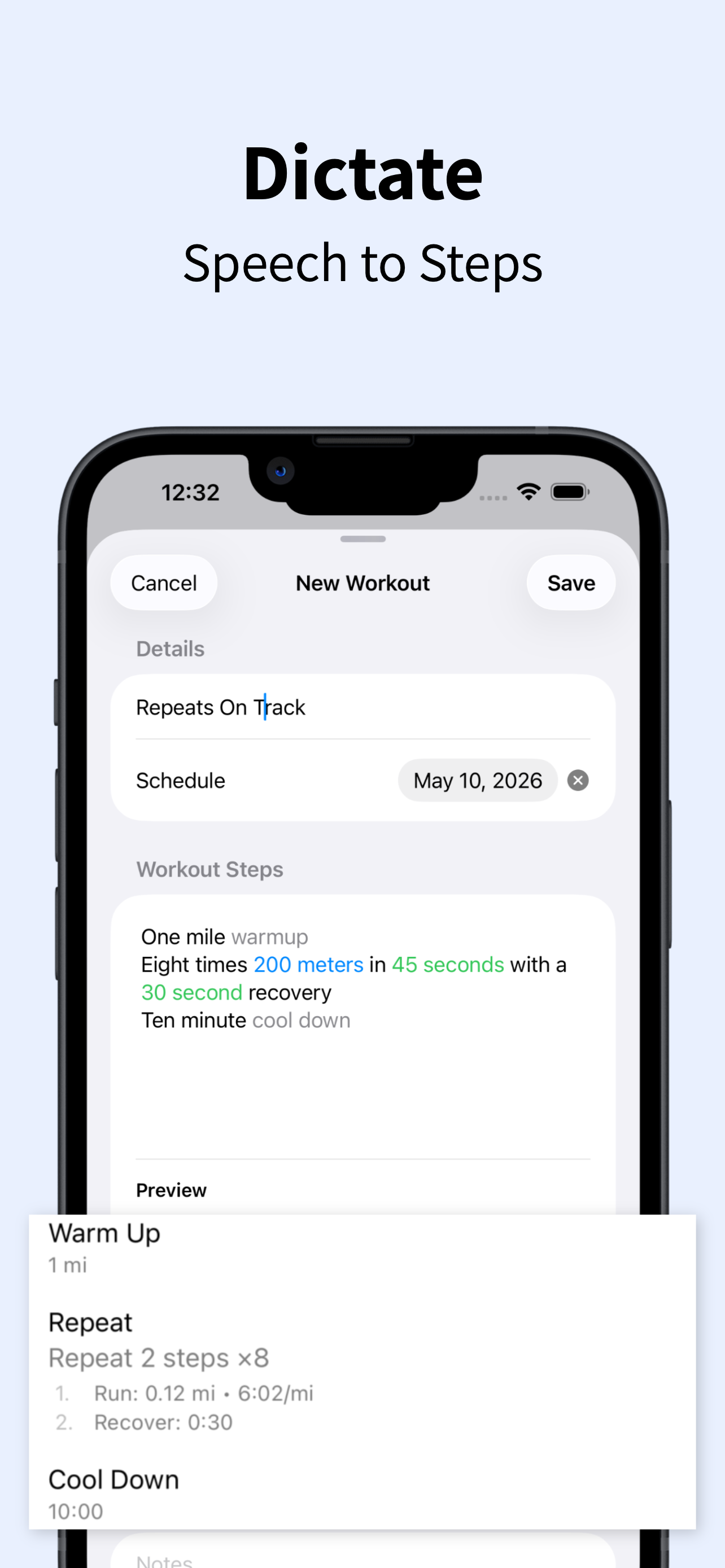
Quick demo: type (or dictate) a workout, then run or sync.
Step by step
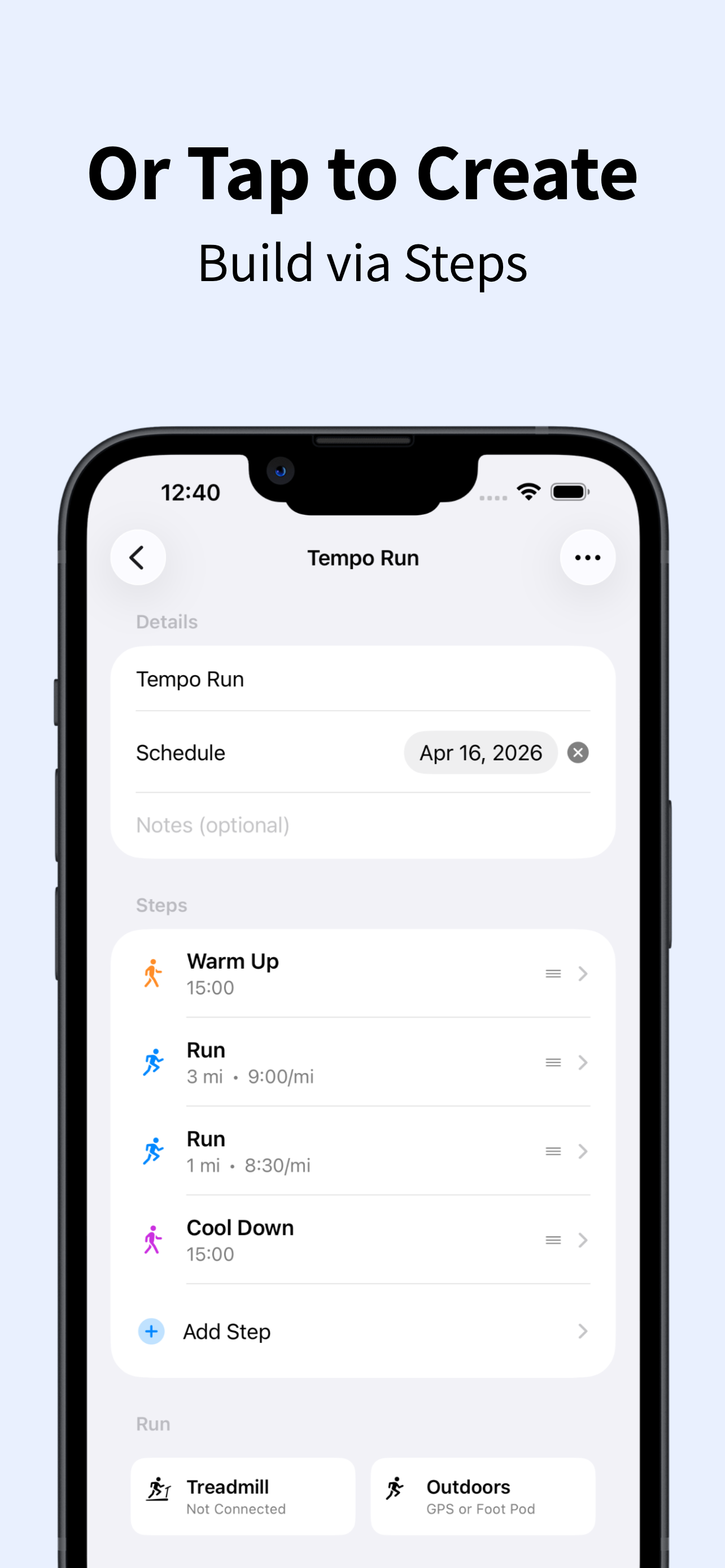
See how to build a workout using RunBuilder's step-by-step flow—add and tune each part of your session before you run or sync.
Everything you need. Nothing you don't.
Built for real training with a clean, fast experience that stays out of your way.
Dictation support
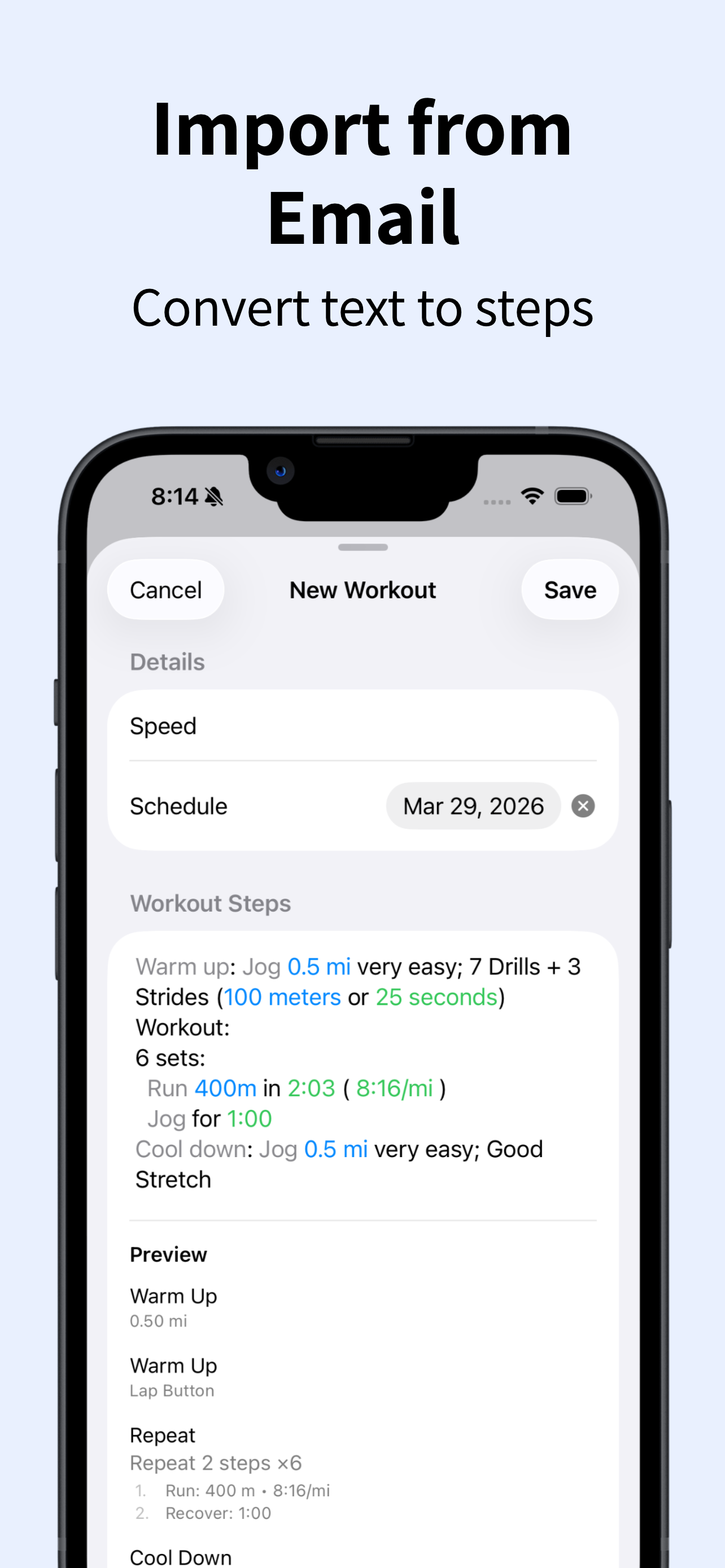
Speak your workout out loud and turn it into a structured session in seconds.
Text-based creation
Type workouts naturally without menus, sliders, or manual step-by-step setup.
Structured intervals
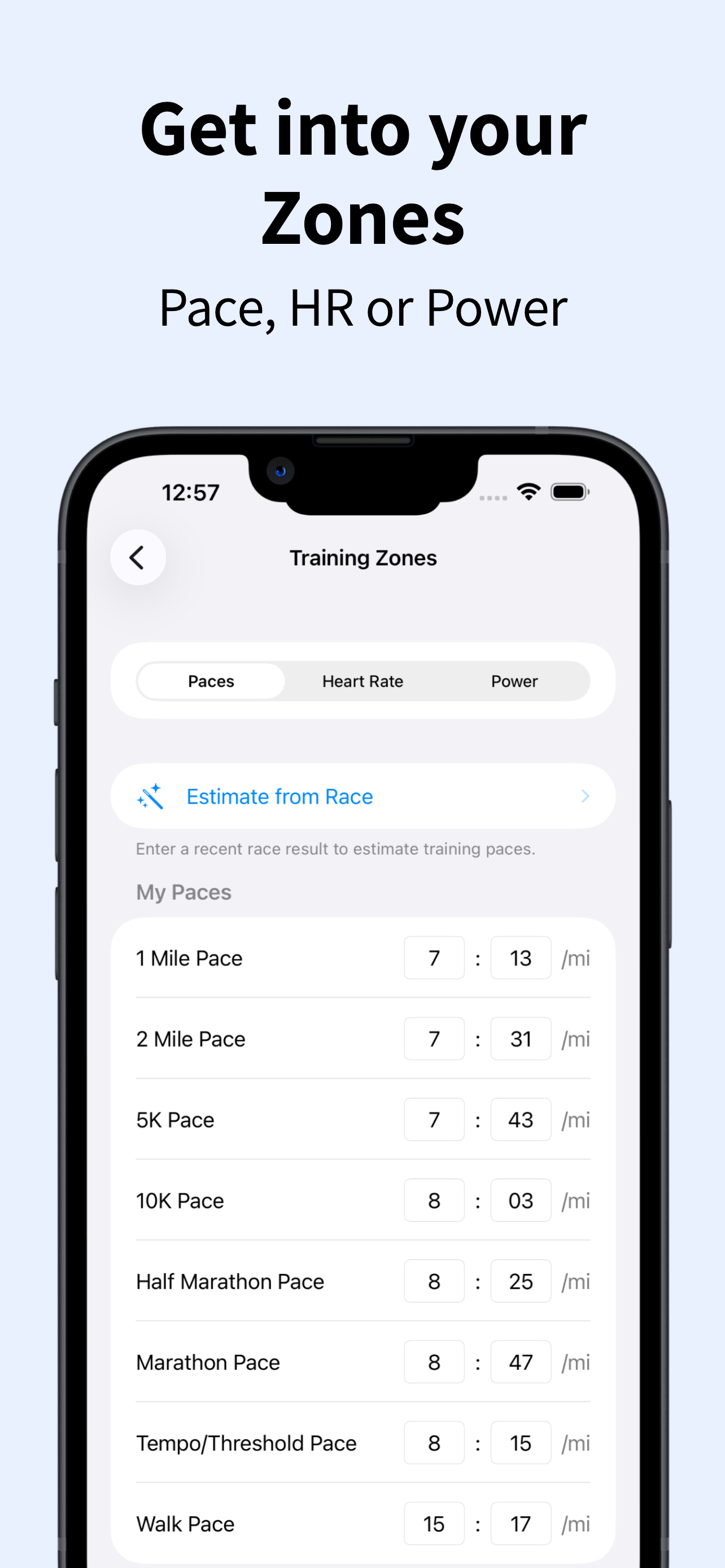
Intervals, repeats, recoveries, warmups, cooldowns, and pacing built automatically.
Apple Watch, Garmin, and Wahoo
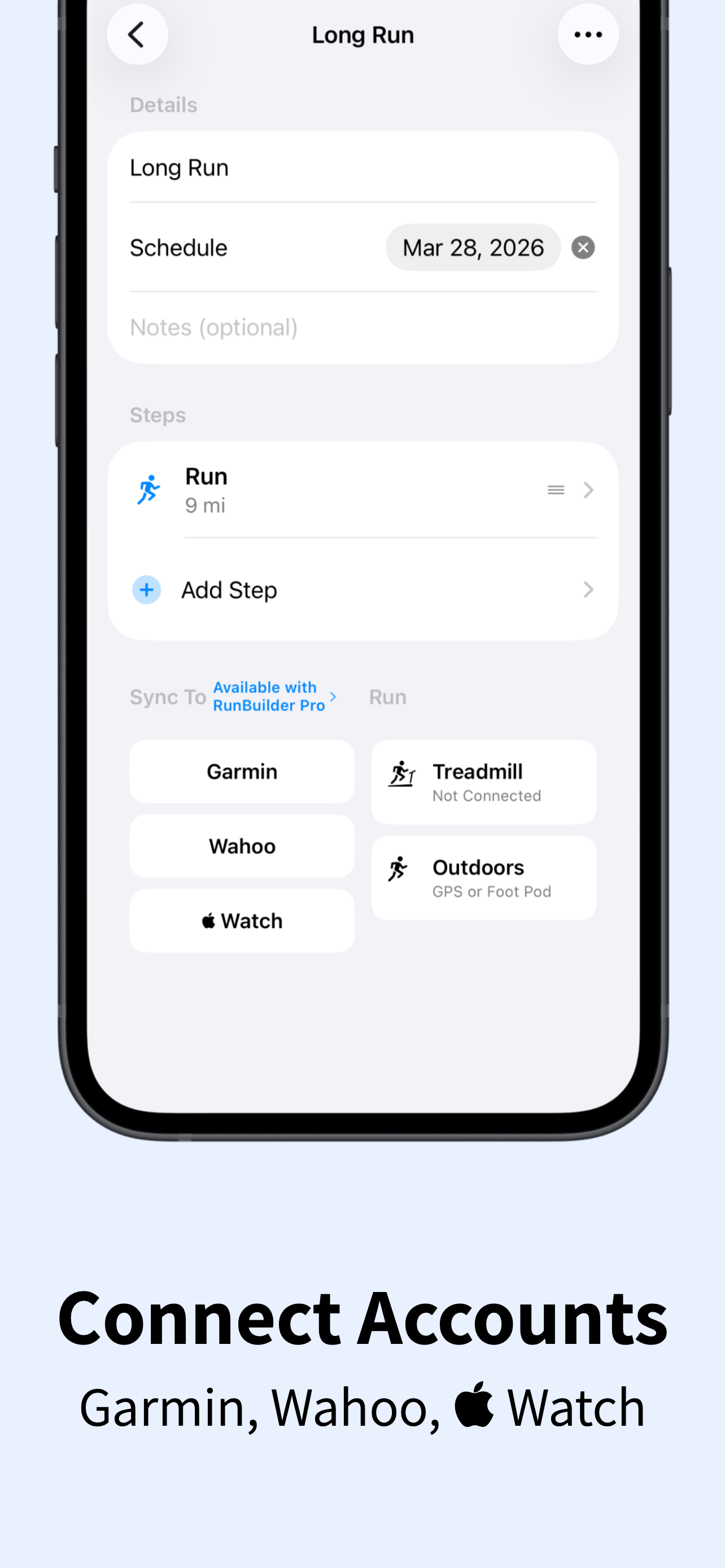
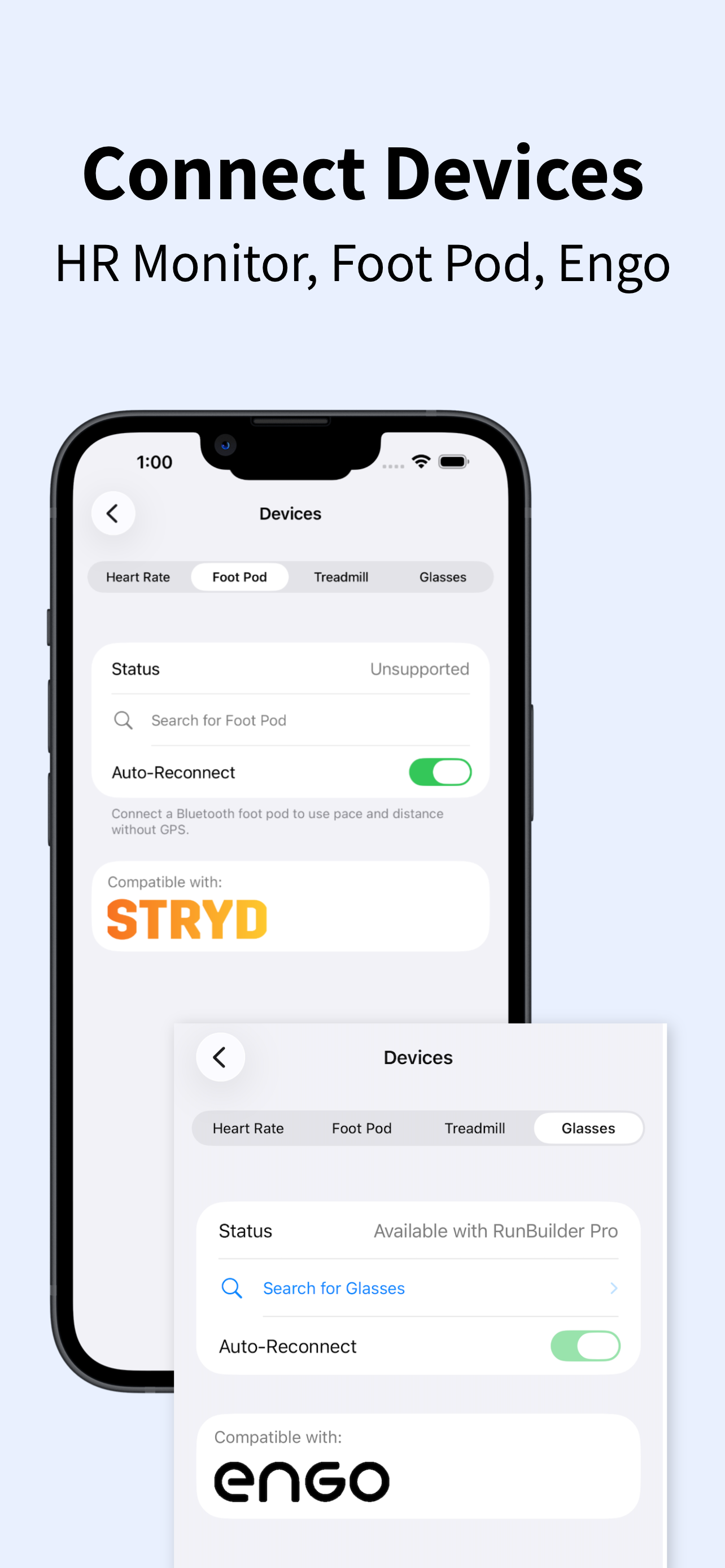
Send workouts so they’re ready on your Apple Watch, Garmin, or Wahoo when you train.
Outdoor + treadmill
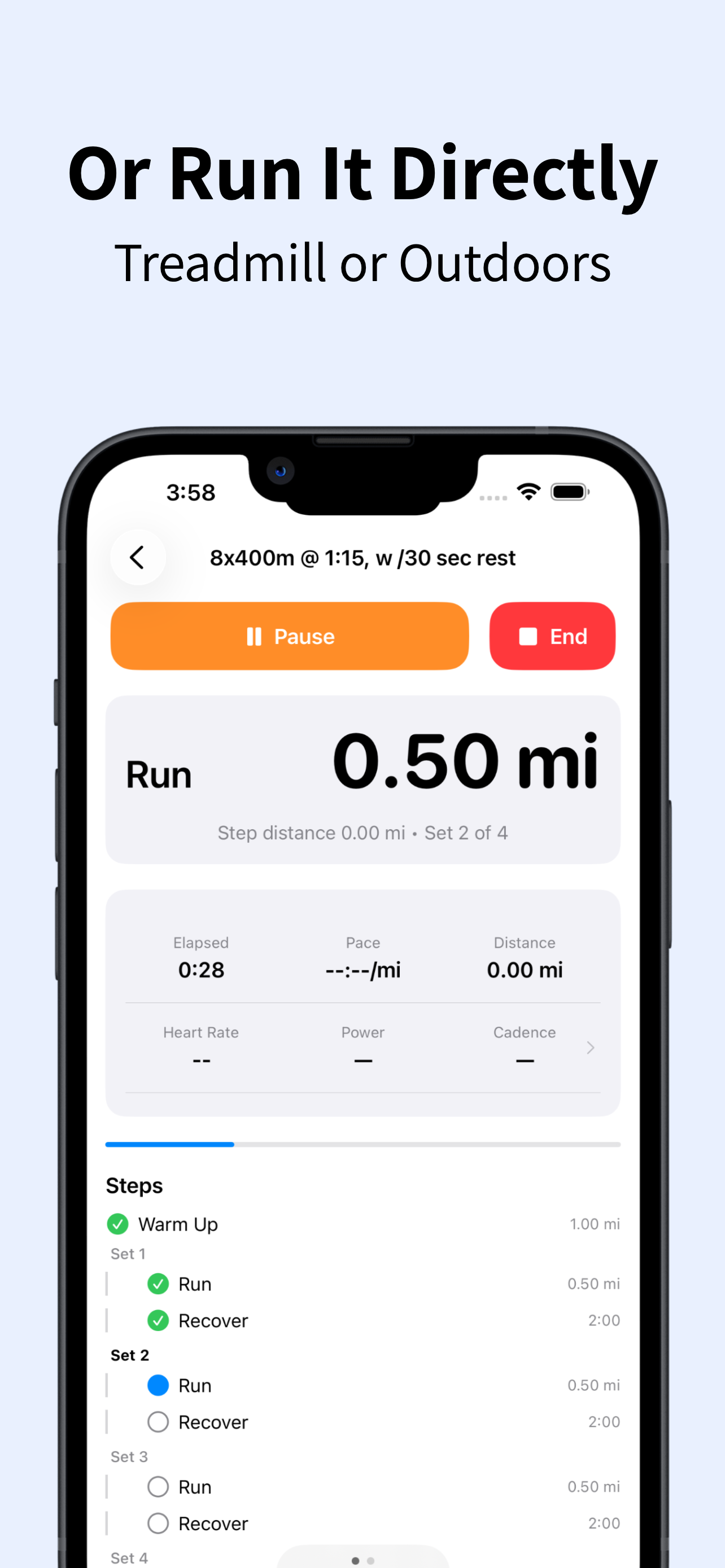
Run your workout wherever you train, with support for both outdoor and treadmill sessions.
Audio cues
Hear pace, heart rate, power, and workout guidance without constantly looking at your screen.
Map a Course
Courses is another way to create an outdoor run—separate from dictation, typing, or import. Tap points on the map, snap to real roads, watch distance and elevation as you go, then run it with your route on screen.
Tap to build
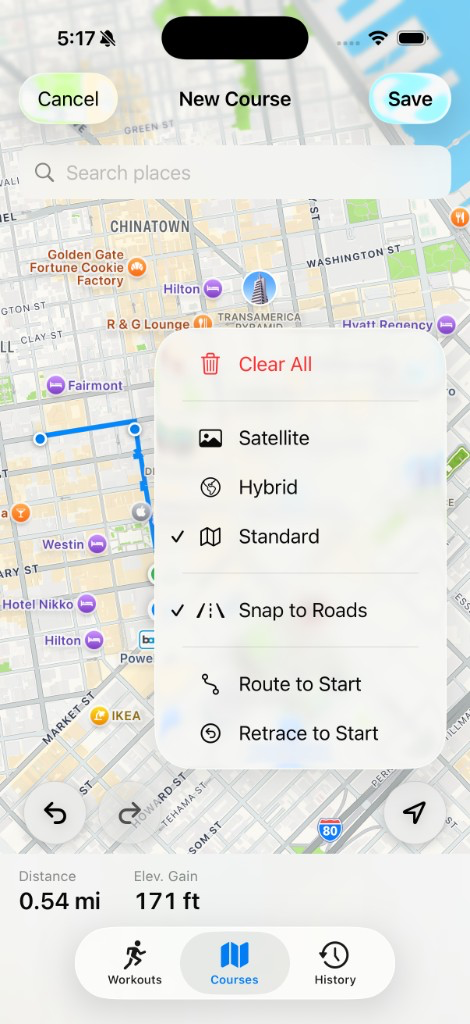
Drop points on the map and snap to roads and paths—or turn snapping off for tracks and trails. Search a start point, or begin where you are.
Live distance & elevation
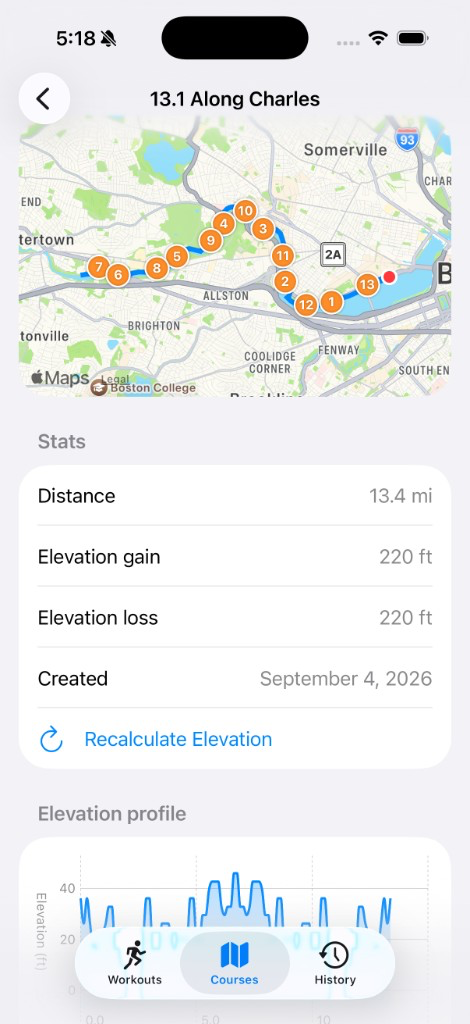
Distance and elevation gain update while you build. Mile or kilometer markers sit on the route, and an elevation profile is ready before you head out.
Loops, out-and-backs & sync
Retrace to Start or Route to Start for an out-and-back or loop. Save by name, duplicate variations, sync with iCloud, and run with your position on the map.
Courses screenshots
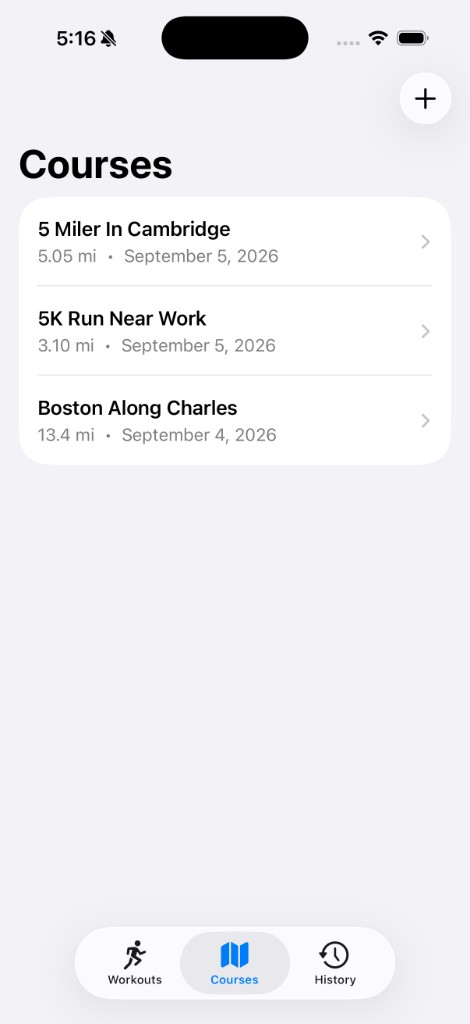
Saved courses, course detail with map and elevation, and the map builder with snap-to-roads tools.
Workout screenshots