ImageDeck
Turn pictures into slides
You already have the pictures. Drop in photos or screenshots, arrange the deck, and export a file compatible with PowerPoint and Keynote. One-time purchase, no subscription.
Why ImageDeck
Start from the pictures
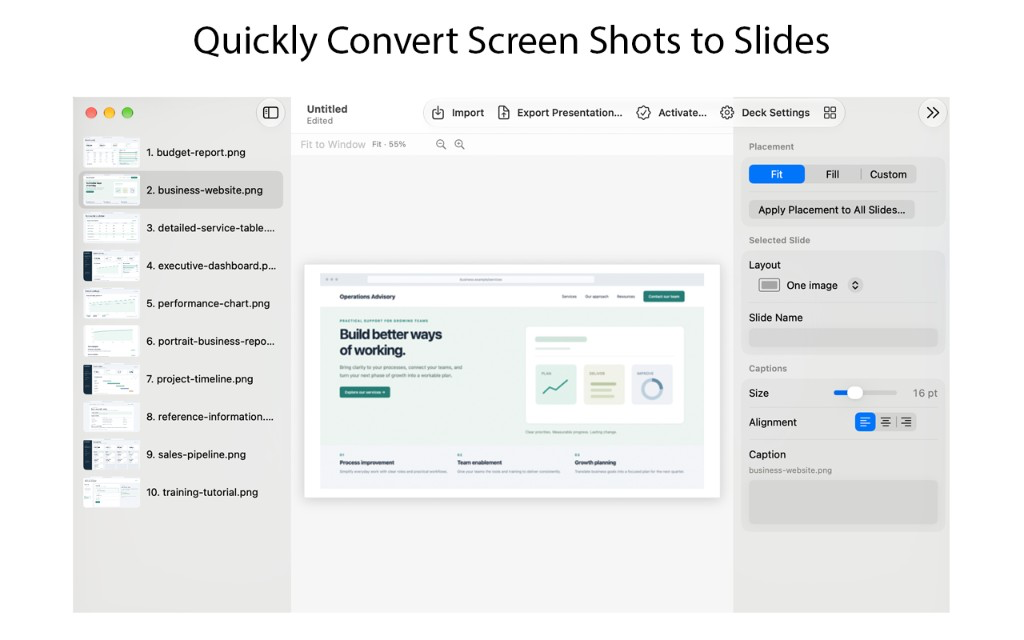
Import JPEG, PNG, HEIC, TIFF, WebP, and other common image files. Choose Import, paste pictures, or drop a folder on the window. ImageDeck copies the files into your project so the deck stays together.
Arrange the deck
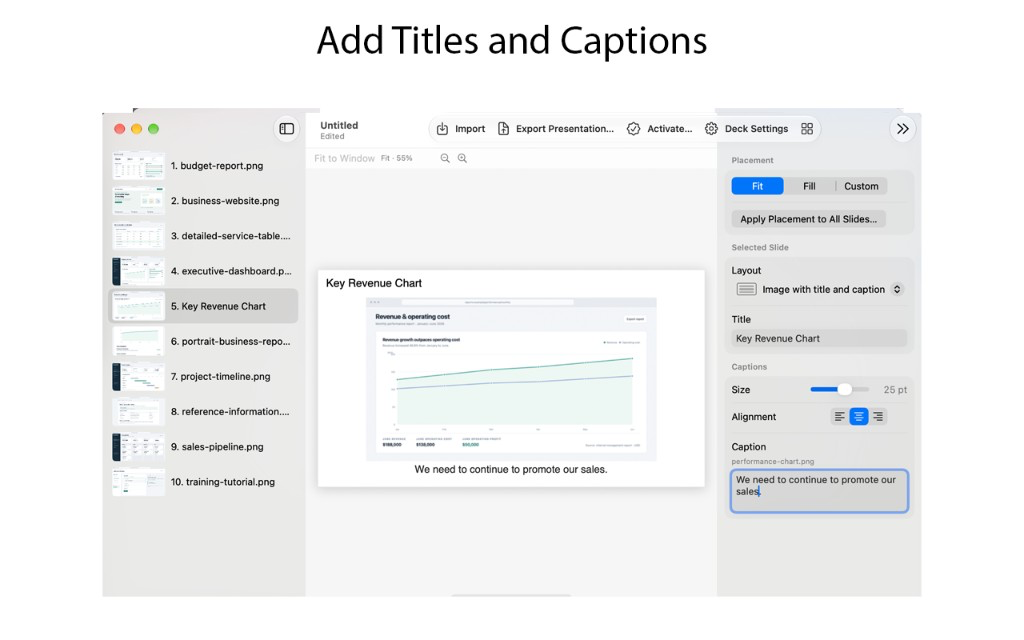
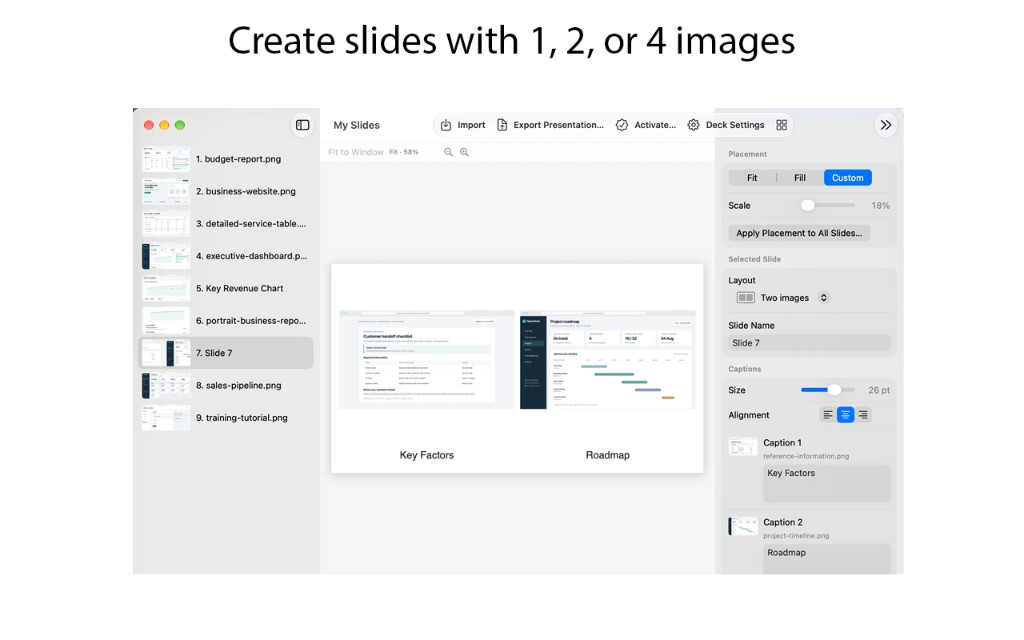
Reorder slides by dragging, or sort by name or the date a photo was taken. Put one image on a slide, add a title and caption, or group two or four pictures together. Insert a section divider when the talk changes topic.
Export for PowerPoint or Keynote
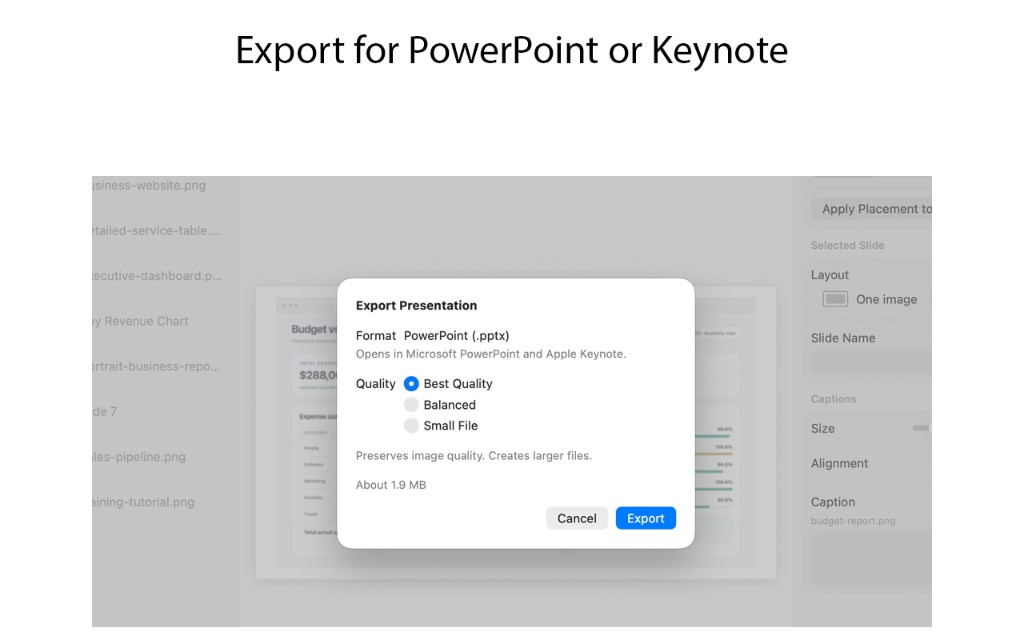
File → Export Presentation… creates a PowerPoint (.pptx) file that Microsoft PowerPoint and Apple Keynote both open. Choose Best, Balanced, or Small File quality.
Screenshots
Drop in screenshots, add titles and captions, put one, two, or four images on a slide...